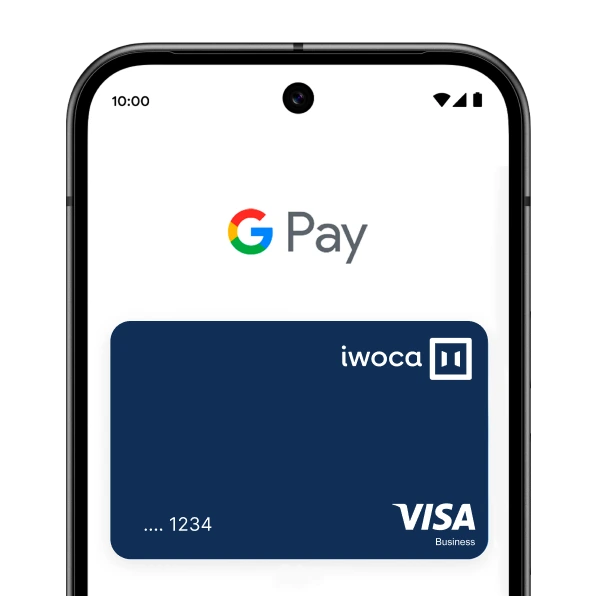



Pay the fast, safe and easy way with Google Pay™


Speed through online checkouts with just a click, and breeze through in person checkouts with just your phone. And with your iwoca Credit Card saved securely in your Google Wallet, you can feel confident shopping anywhere.

A safer way to pay, every day

very light blue doughnut

How to add a payment method

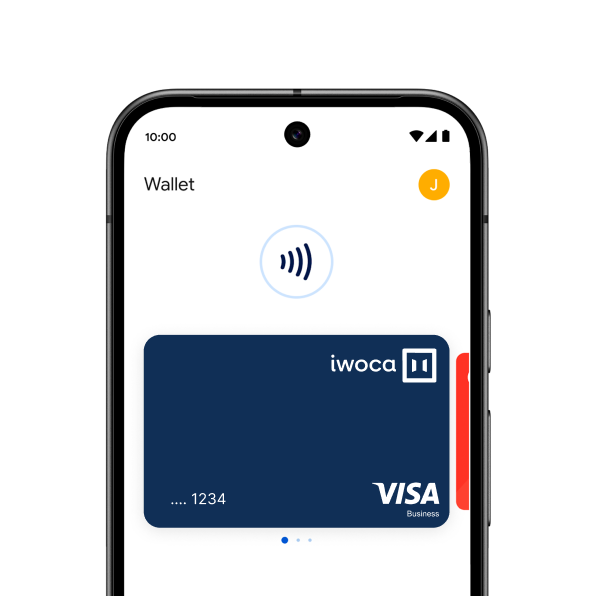
The quickest way to add your card is to open the iwoca app and click 'Add to Google Wallet'. You'll just need to follow the onscreen instructions until you reach confirmation.

You can also add your card from within the Google Wallet app.

1. Open the Google Wallet app or download it on Google Play

2. Tap ‘Add to Wallet’ and follow the instructions

3. Verify your card if needed. Then you’re all set!

line arc

Google Pay and iwoca FAQs

Find out more about the benefits of Google Pay

How do I add my iwoca Credit Card to my Google Wallet?
plus sign

How do I add my iwoca Credit Card to my Google Wallet?

Getting started is simple. Just open the iwoca app and tap 'Add to Google Wallet'. Follow the onscreen instructions until you receive confirmation.

You can also add your card from within the Google Wallet app.

1. Open the Google Wallet app or download it on Google Play

2. Tap ‘Add to Wallet’ and follow the instructions

3. Verify your card if needed. Then you’re all set!

Do I get cashback with Google Pay?
plus sign

Do I get cashback with Google Pay?

Yes, you’ll still get 1% cashback when you use your iwoca Credit Card and Google Pay.

How much is my spending limit with Google Pay?
plus sign

How much is my spending limit with Google Pay?

iwoca does not set a limit for how much you can spend using Google Pay, although some retailers may set their own. If you're unsure, you can contact the retailer ahead of making your payment.

Can I use Google Pay abroad?
plus sign

Can I use Google Pay abroad?

Yes, you can use Google Pay abroad. To find out more about where it’s accepted, click here.

Which devices are compatible with Google Pay?
plus sign

Which devices are compatible with Google Pay?

Google Pay is compatible with most modern Android devices (phones, tablets, and Wear OS) running Android 9.0 or higher with near-field communication (NFC). You can check the full list here.

Is Google Pay safe?
plus sign

Is Google Pay safe?

Google Pay gives you transparency on how your data is used, has easy-to-use privacy controls, and protects you with advanced security - all to keep your money and private information safe.

Google Pay will never sell your transaction history to third parties and won't share it with the rest of Google for targeting ads. With security built-in to protect you before, during, and after every payment, using Google Pay is safer than swiping your card or paying with cash.

Google Pay verifies it’s you each time you open the app, so no one can pay or send money but you.

red circle iwoca

Google Pay is a trademark of Google LLC